
Ask Your AI How the Plan Is Going: The V2MOM.io AI Connector
Key Takeaways
- •Connect your AI app to V2MOM.io. Claude, ChatGPT, Copilot, Gemini and other apps that support MCP connectors.
- •Ask, don't dig. Check progress, find blocked Measures, or log a check-in from chat.
- •Answer across tools. Your AI app can combine V2MOM.io with Salesforce, HubSpot, Jira and more.
- •It acts as you. It only sees what you can see, and it's off until an admin turns it on.
- •On Business and Enterprise plans.
Most people now ask an AI app something every day. Draft this. Summarize that. Until now, the company plan wasn't something they could ask about.
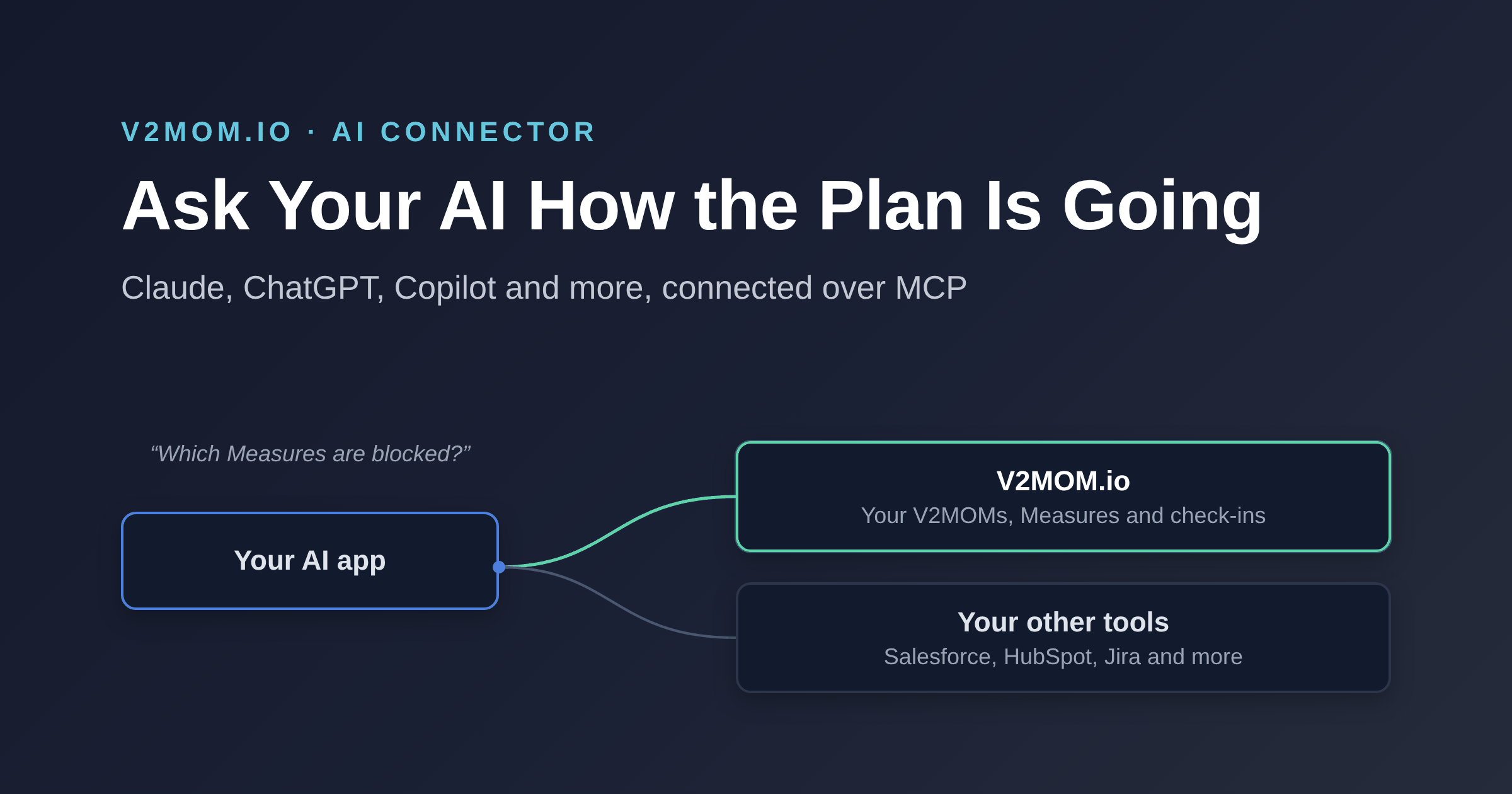
The V2MOM.io AI connector changes that. Connect Claude, ChatGPT, Copilot or another AI app to V2MOM.io, and ask how the plan is going in plain words. Find what's blocked. Log a check-in without opening another tab.
The point isn't more AI. It's fewer steps between a question and an honest answer.
What MCP is, in one minute
MCP stands for Model Context Protocol. It's an open standard that lets AI apps connect to other software. A connector tells the AI app what it can read and what it can do.
V2MOM.io runs an MCP server. Any AI app that supports custom MCP connectors can use it. You sign in with your V2MOM.io account, and the AI app works as you.
No exports. No copying your V2MOM into a chat window. The AI app asks V2MOM.io directly and gets the current numbers.
What you can ask
A few things people use it for:
- "How is my V2MOM going this quarter?" A short summary of your Methods and Measures, and what's moved.
- "Which Measures are blocked, and who owns them?" The blockers, without opening every V2MOM.
- "Summarize my team's progress for Monday's meeting." A report on your reporting line, ready to share.
- "Check in on 'Launch the partner program': 60%, on track, two partners signed." The check-in is logged in V2MOM.io.
- "Do I have any delegations waiting for me?" Then reply to one from chat.
- "What changed since last month?" Progress over time, in a few lines.
It works best for the questions you'd otherwise answer by clicking through five screens.
Answers across your tools
Your V2MOM says what you plan to do. Your other tools say what's happening. An AI app can connect to several tools at once, so it can answer with both.
| Connect V2MOM.io with | Ask |
|---|---|
| Salesforce or HubSpot | "Which Measures are behind, and what does the pipeline in Salesforce say?" |
| Jira or Linear | "Which Methods have blocked Measures, and what's still open in Jira for them?" |
| Workday, ADP or HiBob | "Who joined my team this quarter, and do they have a V2MOM yet?" |
| Monday | "Do our project timelines match this quarter's Methods?" |
| Your data lake | "Compare our Measures with this quarter's product usage." |
Each tool needs its own connector in your AI app, and its own sign-in. Most major SaaS tools have one.
Who controls it
We built this for companies that care where their plans go.
- Off until an admin turns it on. Nothing connects until someone chooses to allow it.
- Admins choose what it can do. Read V2MOMs, read planning cycles, comment and reply to delegations, check in on Methods, and run reports. Turn on only what you need.
- It acts as the person. The AI app sees what that person can see in V2MOM.io, nothing more. Reports stay within their reporting line.
- Standard sign-in. Connections use OAuth, so no passwords are shared with the AI app.
One honest note: once your AI app gets an answer, that app's own data policy applies. Use the AI plan your company already trusts.
How to connect
- Admin: go to Settings → Integrations → AI access. Turn it on and choose the permissions.
- You: go to Profile → AI connections for the connector details. The server address is
https://api.v2mom.io/mcp. - In your AI app: add a custom connector with that address, sign in to V2MOM.io, and approve.
Apps that work with it: Claude, ChatGPT, Microsoft Copilot, Gemini, Grok, Mistral Le Chat and Perplexity, plus coding tools like Cursor and VS Code. DeepSeek's chat app doesn't support custom connectors yet, but it works through agents and tools that support MCP. Some apps only offer custom connectors on paid plans.
Plans: the AI connector is included in Business ($5.99 per user per month) and Enterprise ($11.99 per user per month). Both also include the Data API, for pulling V2MOM data into your own reports. See pricing.
Start with one question
Tools should make work lighter, not heavier. The AI connector is one less place to go to find out how the plan is doing.
Already on Business or Enterprise? Ask your admin to turn on AI access, then try: "How is my V2MOM going?"
New to V2MOM.io? Start free for up to 10 users, and upgrade when you want the connector. If it helps, you'll know quickly.
Related: Real-time reporting and dashboards · How to cascade a V2MOM across your team